THE TOOLS AROUND THE MOMENT
Insta360 X5 Double Lens Kit: plan a careful lens replacement
Two replacement outer lenses for the Insta360 X5, with the tools to fit them. Here is what to check before buying—and how to plan the work before your next outing.
Affiliate disclosure. As an Amazon Associate I earn from qualifying purchases. This article contains paid links.
Explore this item on Amazon ↗Check current price, compatibility and included accessories on Amazon.
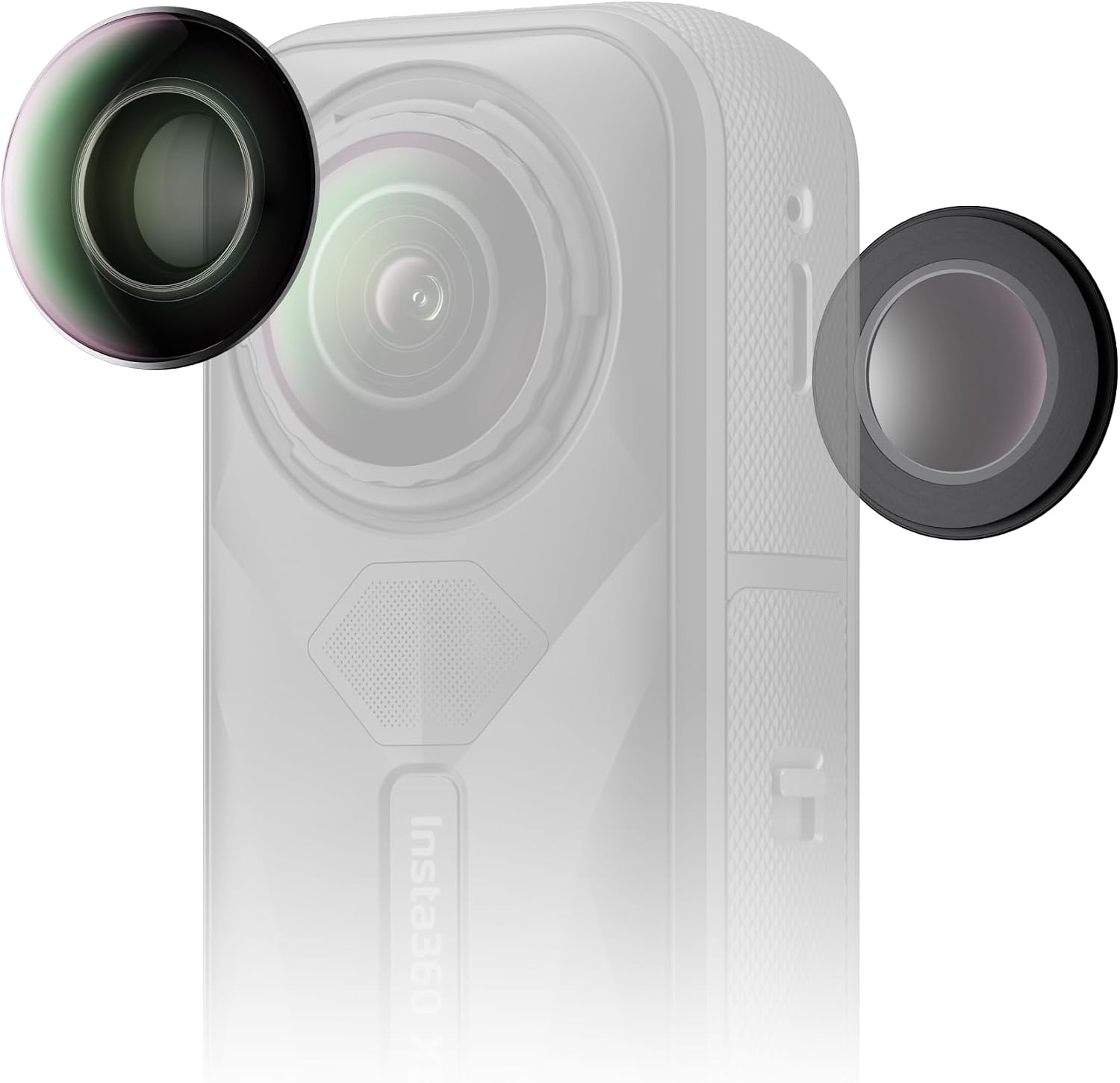
Photo Logic Studio editorial · Product guide, not a hands-on review.
A scratched outer lens can turn the next camera outing into a maintenance decision. The Insta360 X5 Replacement Lens Kit gives X5 owners a manufacturer-supported way to replace that component. The linked Amazon item is the Double Lens version, ASIN B0FHH4XT2Z. This guide looks at the kit as part of caring for the camera: confirm the right part, prepare a suitable workspace, and leave time to check the result before filming something important. It is based on the listing and Insta360’s documentation, not a hands-on repair test.
01 / A CLOSER LOOK
Match the kit to the camera and the problem
Start with the camera’s model name and the component you need. Insta360 lists this kit for the X5 and describes it as replacing the camera’s outer lenses. The Double Lens edition includes two lenses and tools for replacement and cleaning. Confirm that the Amazon selector still shows the same edition before ordering.
Think about the problem you are trying to solve before opening the camera. A mark on an accessory, damage to an outer lens, and a fault inside the camera call for different decisions. If you cannot identify what is damaged, ask Insta360 support to help assess it. Buying a replacement part is useful only when it matches the part that needs attention.
Buying check: verify X5 compatibility, Double Lens selection and the current package contents on the linked listing.
02 / A CLOSER LOOK
Prepare the room before opening the kit
The useful preparation happens before a tool touches the camera. Insta360 specifies a clean indoor environment with less than 60% humidity for this kit. Its installation guide explains that moisture and dust entering during the work can affect the image. Choose a stable, uncluttered place where you can lay out the parts and keep the instructions visible.
Read the manufacturer’s full procedure once before beginning. The guide covers the supplied grip tool, removal tool and suction cup, along with alignment and handling details. Use that current procedure as your reference. If your available workspace is a windy campsite or a crowded car seat, plan to do the work later in a suitable room instead of treating the repair as a rushed interruption to your day.
Set aside a separate maintenance session, with enough time to stop and ask for help if a step is unclear.
03 / A CLOSER LOOK
Finish with calibration and a short test shoot
Installing the lens is only part of the documented process. Insta360 calls for Stitching Calibration from the camera’s Settings menu after installation. Its guide also gives precautions for keeping fingerprints off the replacement lens and protecting the lens on the opposite side while you work. Follow those details before judging the result.
Then make a short test recording in an ordinary scene you can inspect closely. Review the footage before packing for an event or a trip where a missed shot would matter. If the installation does not go as expected or the result is still wrong, contact Insta360’s repair service with the camera and kit details. The Double Lens kit is worth considering for an X5 owner who wants a planned maintenance option and is comfortable following the official procedure; professional help remains a sensible choice when the damage or installation is uncertain.
Keep the kit information and manufacturer’s installation link with your camera notes so they are easy to find when needed.
EXPLORE THE EXACT ITEM
Insta360 X5 Replacement Lens Kit (Double Lens)
Explore this item on Amazon ↗Paid link · Price and availability are shown on Amazon.
SOURCES & VISUAL CREDITS
Know what informed the story.
Independently sourced editorial guide. No hands-on testing is implied. Product options and seller bundles can change; check the linked item before buying.
Insta360 X5 Replacement Lens Kit (Double Lens)
Product photograph from the linked Insta360 X5 Double Lens Kit Amazon listing. Camera shown for compatibility illustration; this listing is for the replacement kit.
Editorial review: 2026-10-10 · AI-assisted original commentary.